
Profiles
Named snapshots of your General, Appearance and Model settings that switch automatically with the project you open.
What a profile is
A profile is a saved set of the settings on the Account, General, Appearance, Models and Advanced tabs. Link a profile to a project and those settings apply the moment you switch to it, so a client project that must run on a specific model and a personal project that runs on local models stop fighting over one global configuration.
Everyone starts on an implicit default profile. If you never create another one, nothing about the app changes, and there is nothing to learn. When a non-default profile is active, its name shows as a badge in the sidebar footer so you always know which one you are on.
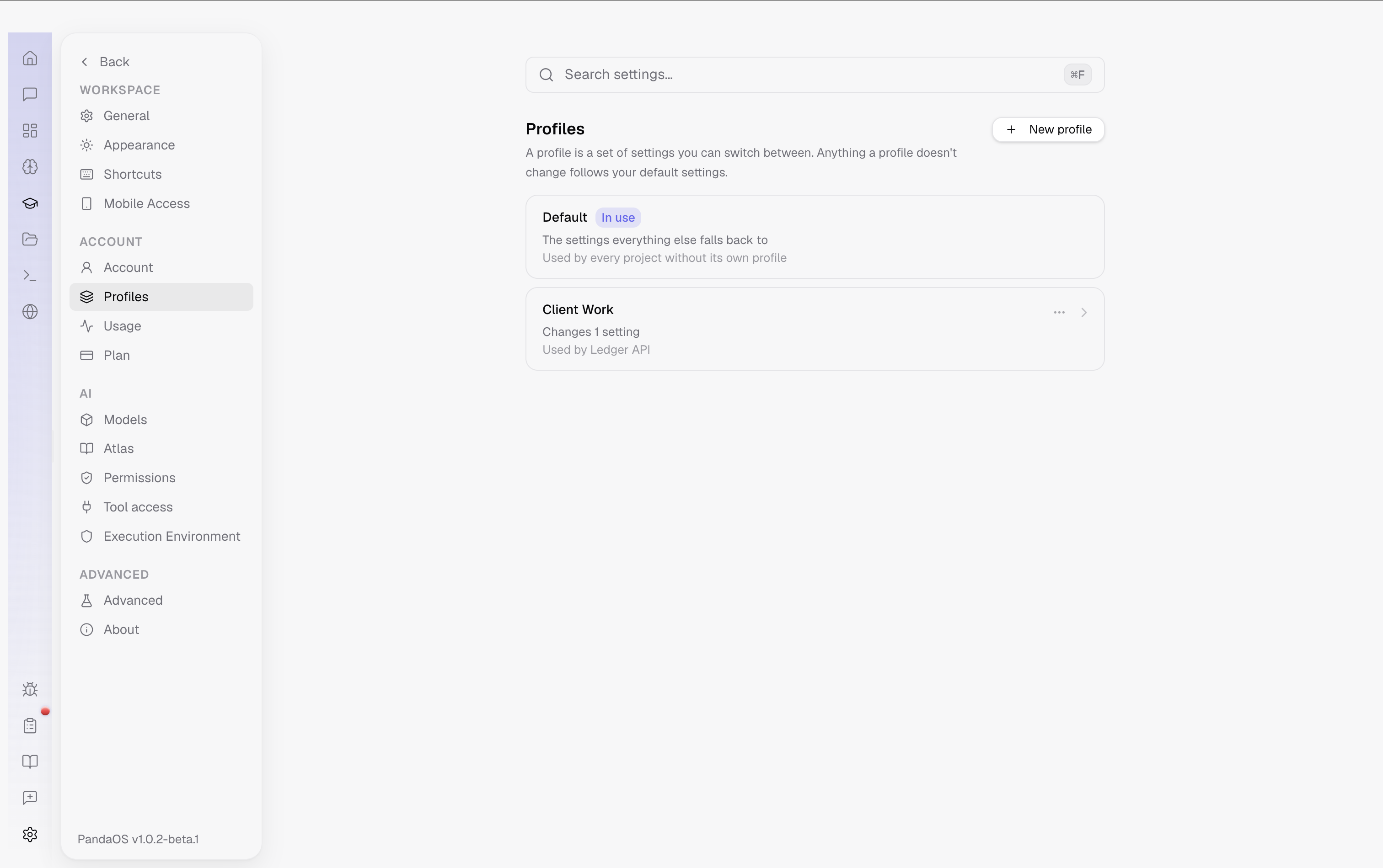
Creating and linking
In Settings → Profiles you create, rename and delete profiles, and link projects to them. A new profile starts as a copy of whichever profile you were editing, so it is easier to make a variant than to build one from nothing.
One project links to exactly one profile; one profile can serve many projects. A project with no link uses the default. You can also set the link from the project's own overview page, which is usually where you realise you want it.
Editing is not activating
The five profile-scoped tabs carry a dropdown at the top showing the active profile. Changing it switches which profile you are editing, not which one is running, so you can adjust a profile you are not currently using without disturbing your session.
The same dropdown offers All profiles. Edit a setting there and it applies to every profile at once. Fields whose values differ between profiles are marked as differing until you set them, at which point they become equal everywhere.
What profiles deliberately exclude
Secrets are never snapshotted into a profile: API keys stay in the system keychain. Neither are one-time acknowledgements, onboarding progress, or state the app manages for itself. Machine-level choices such as the update channel also sit outside profiles, because they describe the install rather than the way you work.